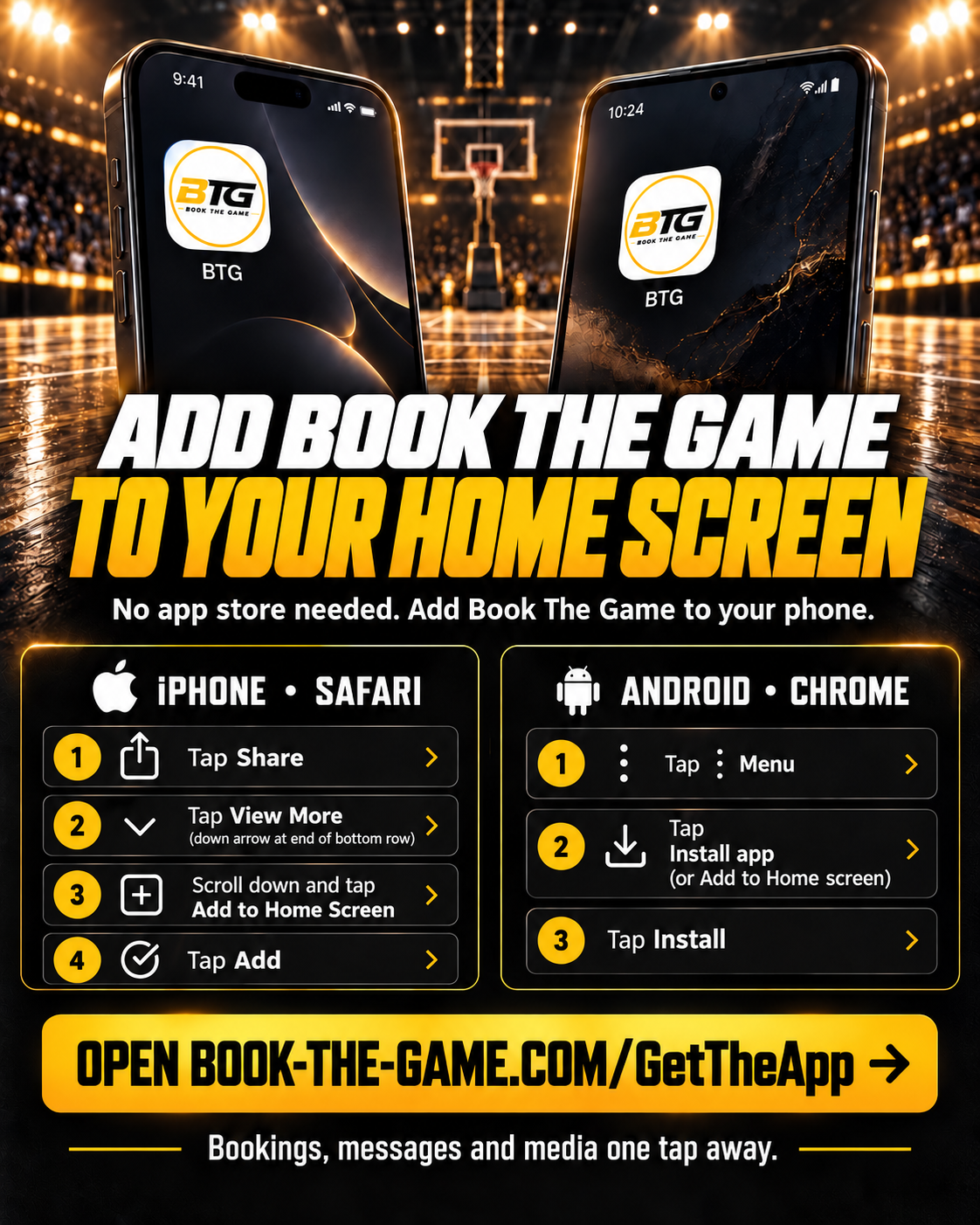
Get the Book The Game App
No app store needed. Add BTG to your phone's home screen in a few seconds — it's free and works just like a regular app.
- 1Tap the Share button in Safari (the square with an arrow pointing up)
- 2Tap View More (the down arrow at the end of the bottom row)
- 3Scroll down and tap Add to Home Screen
- 4Tap Add — the BTG icon appears on your home screen
Tip: open this page in Safari. The Share button is at the bottom of the screen (or top-right on some iPhones).
One tap to open — no searching or typing a web address
Opens full screen, just like any other app
Bookings, messages and media always a tap away